Output Screen
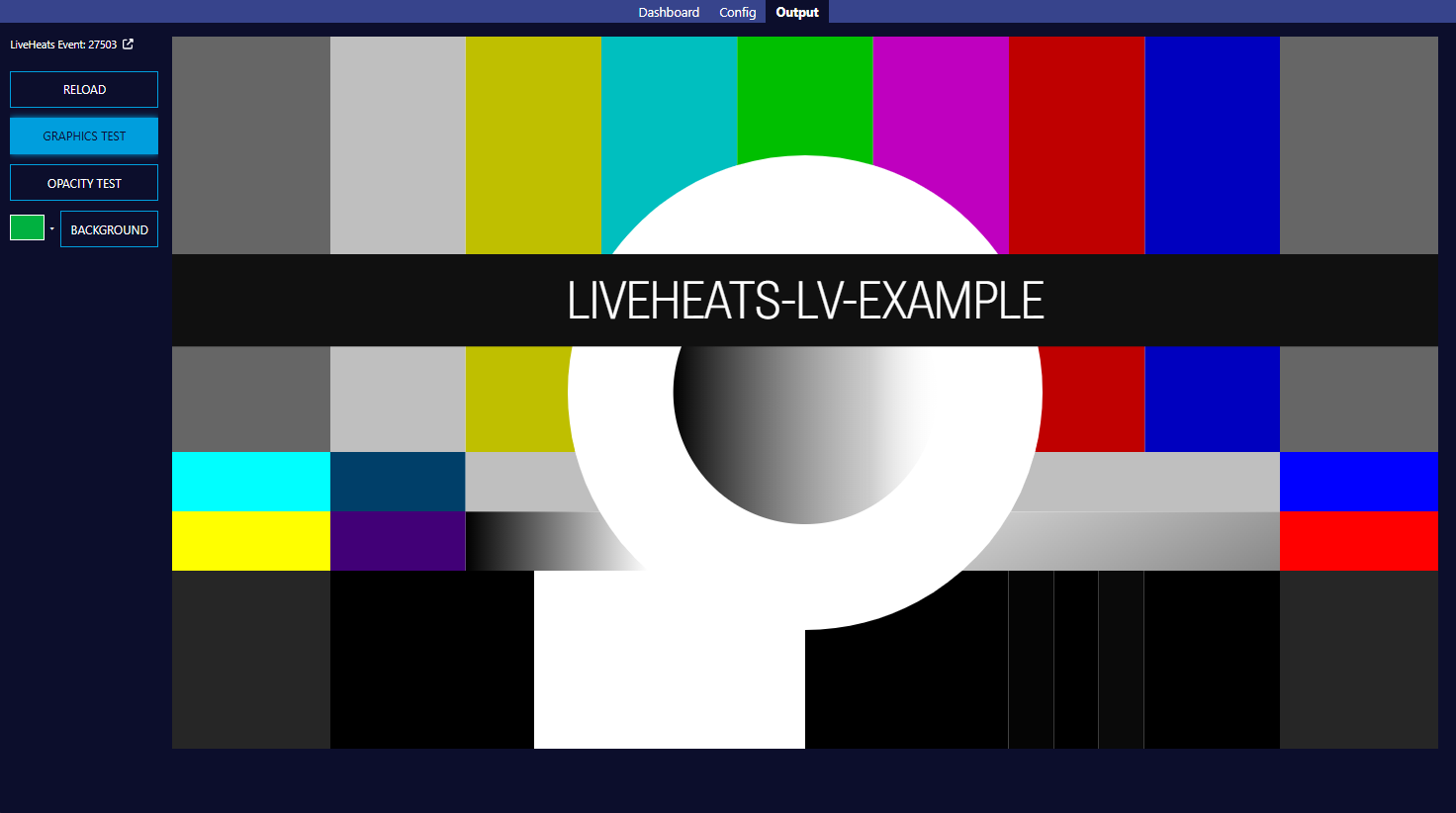
-
Liveheats Event Link
-
This link allows you to identify which Liveheats event the GFX system is paired with
- Clicking this link will take you directly to the event in Liveheats
-
-
Reload
-
This button allows you to force a reload of the GFX output within the system
-
-
Graphics Test
-
Display a GFX test pattern
-
-
Opacity Test
-
Display an opacity test
-
-
Chroma Key Setup
-
This allows the setup of a user-defined chroma key
-
Use the color picker provided to choose the required key color
-
-
Preview Window
-
This view is identical to the GFX output being used within the broadcast
-